Internal / AWS Amplify
Invoice Generator
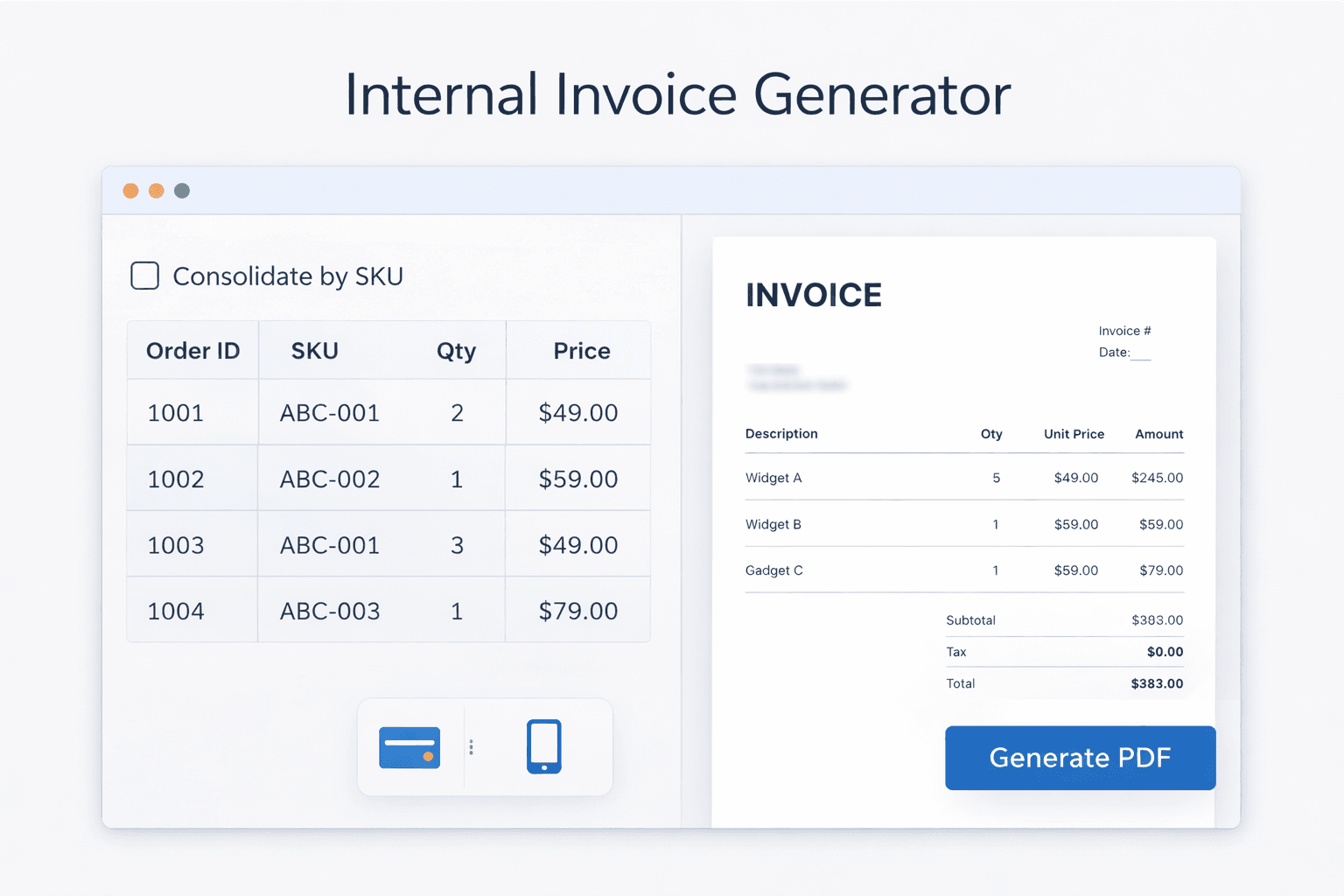
Internal web app that pulls SellerCloud orders by ID (paste or Excel), consolidates line items by SKU, applies configurable discounts, and generates a formatted PDF invoice for billing.
sellercloudinvoicepdf-generationorder-consolidationinternal-tool
Problem It Solves
Teams that bill partners for consolidated orders from SellerCloud often re-key data, manually sum quantities by SKU across many orders, and build invoices in spreadsheets or Word. That's slow, error-prone, and doesn't use live order data. There's no single flow from "these order IDs" to "one clean PDF invoice" with correct pricing and discounts.
Key Features
- Paste order IDs or upload Excel — one order ID per line or from an .xlsx file; no manual retyping
- Fetch from SellerCloud — JWT auth, pagination for large batches; orders pulled by channel order ID list
- Consolidate by SKU — line items grouped by ProductID, quantities summed; one row per SKU with description and sale price from first occurrence; UI warns if the same SKU has different prices across orders
- Configurable pricing — global discount (percentage or fixed $); per-line override for special cases (e.g. repairs)
- Editable invoice header — Invoice #, date, Bill-To and Ship-To (from Settings); optional footer/notes
- Generate PDF — SKU, description, qty, unit price, line total; subtotal and grand total; no sale price or discount columns on the PDF
- Settings panel — SellerCloud server ID, username, password; Bill-To and Ship-To addresses; default discount type and amount; next invoice number; optional notes
How It Works
- User opens the app and configures Settings (SellerCloud credentials, addresses, default discount, next invoice #).
- On the main view, they paste order IDs or upload an Excel file with channel order IDs, then click Fetch Orders.
- Backend authenticates with SellerCloud, fetches orders (paginating if needed), consolidates items by SKU, and returns the line-item list.
- User reviews the table, adjusts global or per-line discounts, sets invoice # and date, then clicks Generate PDF.
- Backend builds the PDF and returns it; user downloads and sends it (e.g. to the partner or accounting).
Get This for Your Operations
Contact us to discuss your SellerCloud setup, billing partners, and invoice layout. We'll scope and deploy an invoice generator tailored to your brand and workflows.